MechAxis feature
Workshop software with light and dark mode on every device
Choose light or dark mode on your device
Choose light or dark mode on a desktop, tablet or phone. MechAxis saves the choice to your account and shows the tools available to your role.
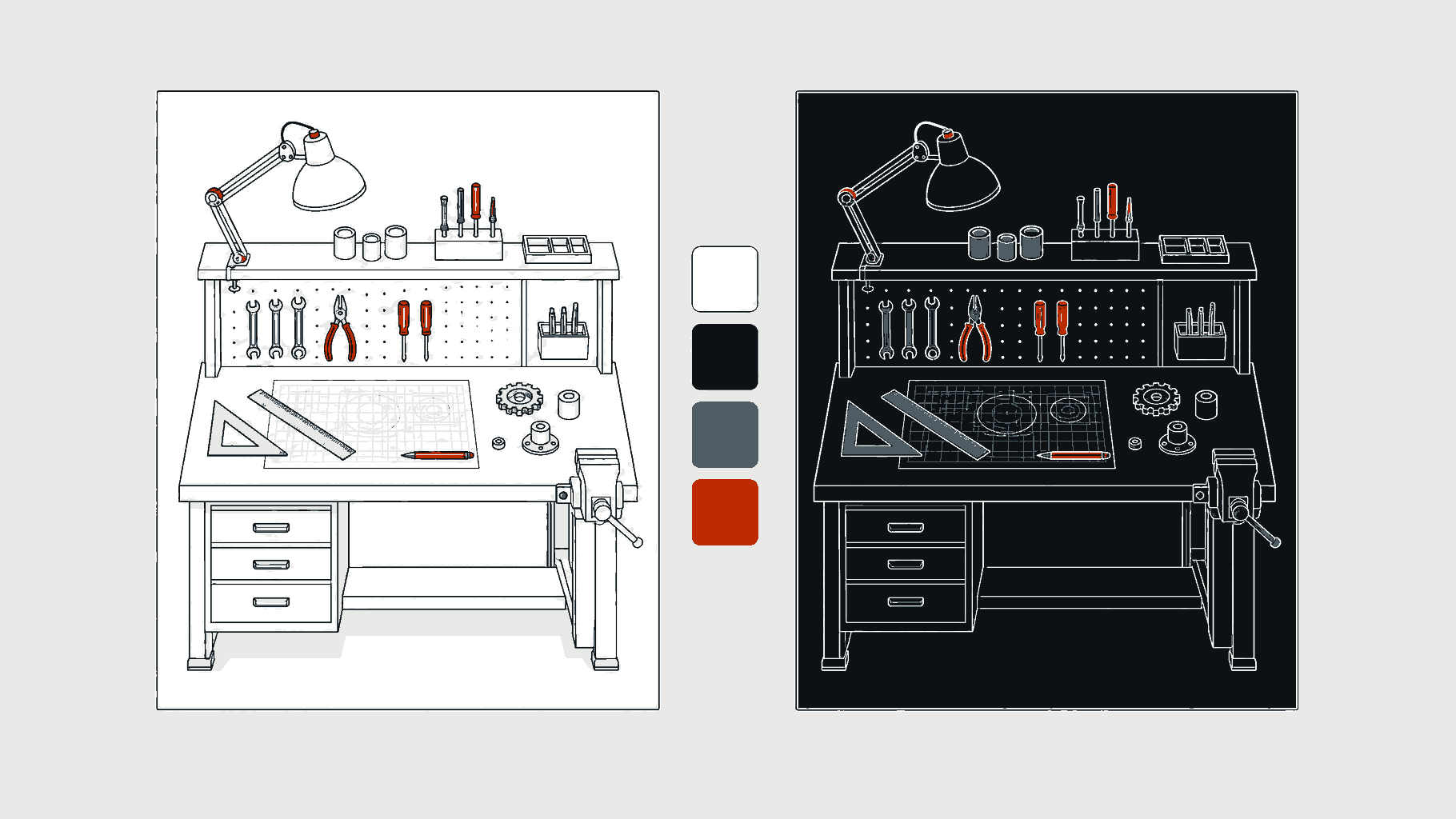
Illustration of how this feature works.
How the day runs
What you can do
Use a tablet-focused technician view
Keep navigation matched to the person's role
Light and dark are personal choices
MechAxis saves your choice to your account. Other staff can choose their own theme.
The technician screen is touch-friendly
Large job controls, assignment alerts, camera upload and task actions are designed for tablets used around a workshop bay.
Less navigation for focused roles
A technician does not need to scroll past invoices, purchasing and administration links to reach assigned work.
Questions
Questions workshops ask
01Is the theme saved for each person?+
Yes. Light or dark preference belongs to the signed-in user.
02Does MechAxis work on a tablet?+
Yes. The technician workflow is designed around tablet-sized controls and direct photo capture.
03Does every role see the same menu?+
No. Navigation is filtered by role and the modules enabled for the workshop plan.
30-day trial
Try MechAxis on your workshop devices
30 days. No card required. Compare plans for feature availability after the trial.