Mobile mechanics
Mobile mechanic software for Australia
Mobile mechanic software for Australia: bookings that keep travel time free between jobs, quotes, GST invoices and reminders on your phone. Free 30-day trial.
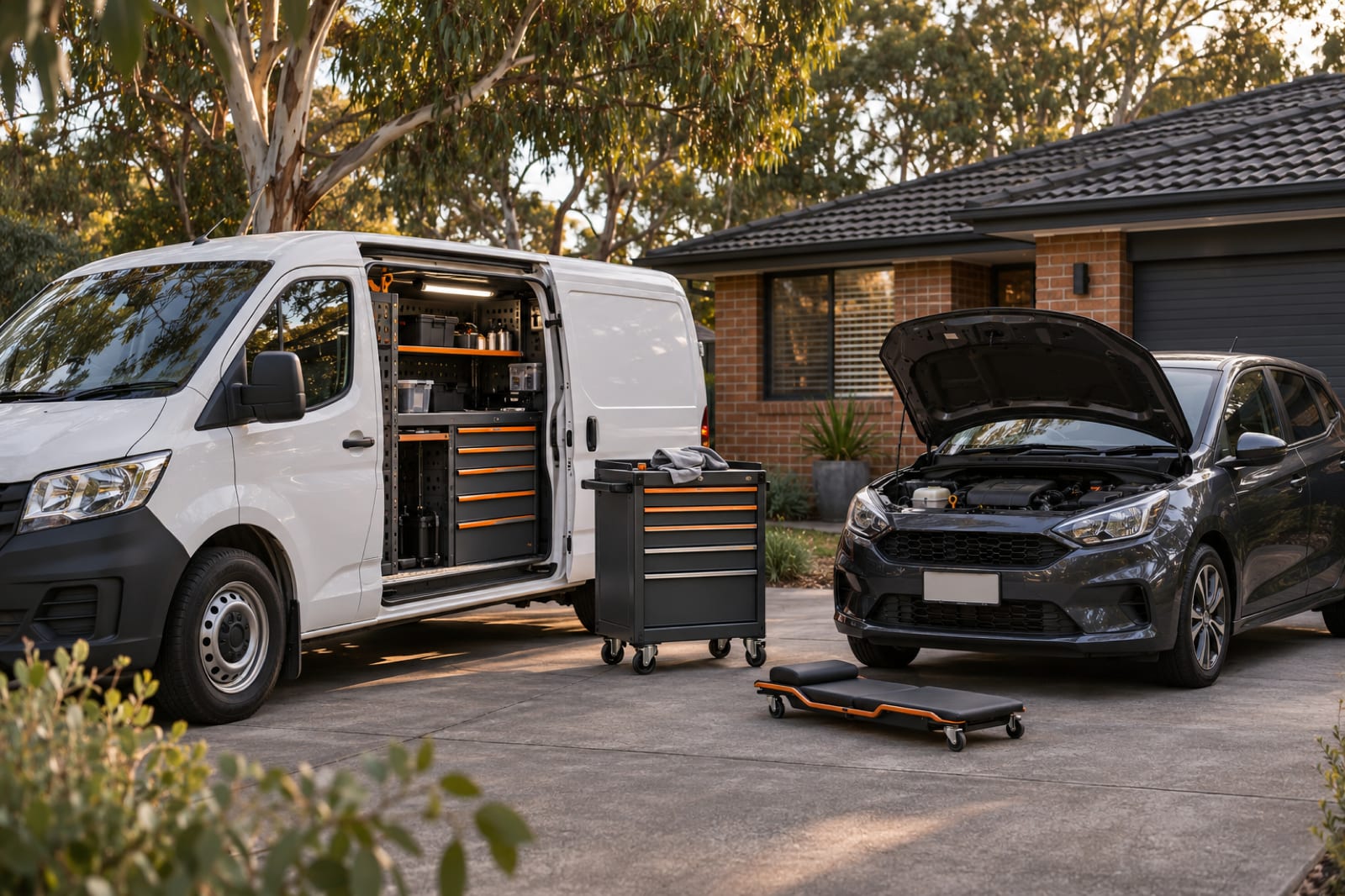
A mobile mechanic runs the business from the van. Bookings arrive by phone and text, quotes get written on the bonnet and invoices wait until the evening. Without mobile mechanic software, callouts end up booked back to back with no time to drive between them, and the paperwork follows you home.
Customers book a time that leaves room to drive to them. On site you look the car up by rego, inspect it with photos on your phone, text the quote for approval, then invoice with GST and record the payment before you leave for the next job.
What your team gets
- Online booking that keeps travel time free between jobs, so you are never booked back to back
- Quotes, customer approvals and GST invoices from your phone, with payment recorded on site
- Each customer's address, vehicles and service history with you on every callout
How the work runs in MechAxis for mobile mechanics
Step 1
Booking with travel time
Customers choose a service and a time on your booking page. Only times that leave your travel time free after the previous job are offered, so a 1:00 to 2:00 job makes 2:30 the next time available.
Step 2
On the driveway
Look the car up by rego, check the customer's contact details and earlier visits, and open the job card on your phone with the vehicle's history in view.
Step 3
Inspection and quote
Work through the inspection with photos, then send the quote by text or email. The customer approves from a secure link while you wait, and the decision is recorded against the quote.
Step 4
Invoice and payment
Turn the finished job into an invoice with GST on each line, email it before you pack up, and record payment by cash, card, EFTPOS or bank transfer.
Step 5
Receipts and the next visit
Photograph the fuel and parts receipts as expenses, and let reminders bring the customer back when the next service is due.
What to test before you choose workshop software
- Does the booking page leave travel time between jobs instead of offering back-to-back times?
- Can you quote, get approval and invoice with GST from a phone, without going back to a desk?
- Do the customer's address, vehicles and service history come up on site in a few taps?
- Can fuel and parts receipts be kept with their GST and ABN for BAS time?
Frequently asked questions
Is MechAxis mobile mechanic software, or only for workshops?
Both. MechAxis runs in a web browser, so a mobile mechanic can take bookings, inspect, quote and invoice from a phone or tablet on the customer's driveway. Booking settings include travel time between visits for businesses that drive to their customers.
How does travel time between jobs work?
In Booking settings, set Travel time between visits to anything from 0 to 120 minutes. With 30, a job from 1:00 to 2:00 means your booking page next offers 2:30, and visits are booked one at a time. If you or your staff book closer than that, MechAxis warns you first.
Is there a mobile mechanic app to download?
There is nothing to install. MechAxis works in the browser on the iPhone, Android phone or tablet you already carry, and the technician job view can be added to your home screen like an app.
Can I invoice and take payment on site?
Yes. Build the invoice from the job with GST on each line, email it to the customer before you leave, and record cash, card, bank transfer or EFTPOS against it. With a Zeller terminal, card payments can be taken through MechAxis.
Does MechAxis plan my route or track the van?
No. MechAxis does not plan routes or track vehicles by GPS. It keeps your travel time free between bookings, and each customer's address and phone number are on their record when you head out.
Does it suit a sole trader mobile mechanic?
Yes. One person can run bookings, jobs, invoices and expenses alone, then add staff later with their own logins and access. Fuel and parts receipts can be photographed on your phone and kept with their GST for BAS time.