Mechanical workshops
Mechanic software for Australian workshops
Mechanic software for Australian workshops: bookings, digital inspections, job cards, GST invoices and customer follow-up in one system. Free 30-day trial.

Follow a service job from booking to invoice
Explore the actual MechAxis screens using demo workshop data. Select each step to see how bookings, inspection findings, approved work, parts and the invoice connect.

Product screens use demonstration workshop data. Inspections, approvals and inventory are included on Gold and Platinum; API access is on Platinum.
Take the booking once
Phone, front counter, your website or the API. Customer, vehicle, concern, bay and expected duration are attached before the keys arrive.
Stories from the workshop floor.
All workshop stories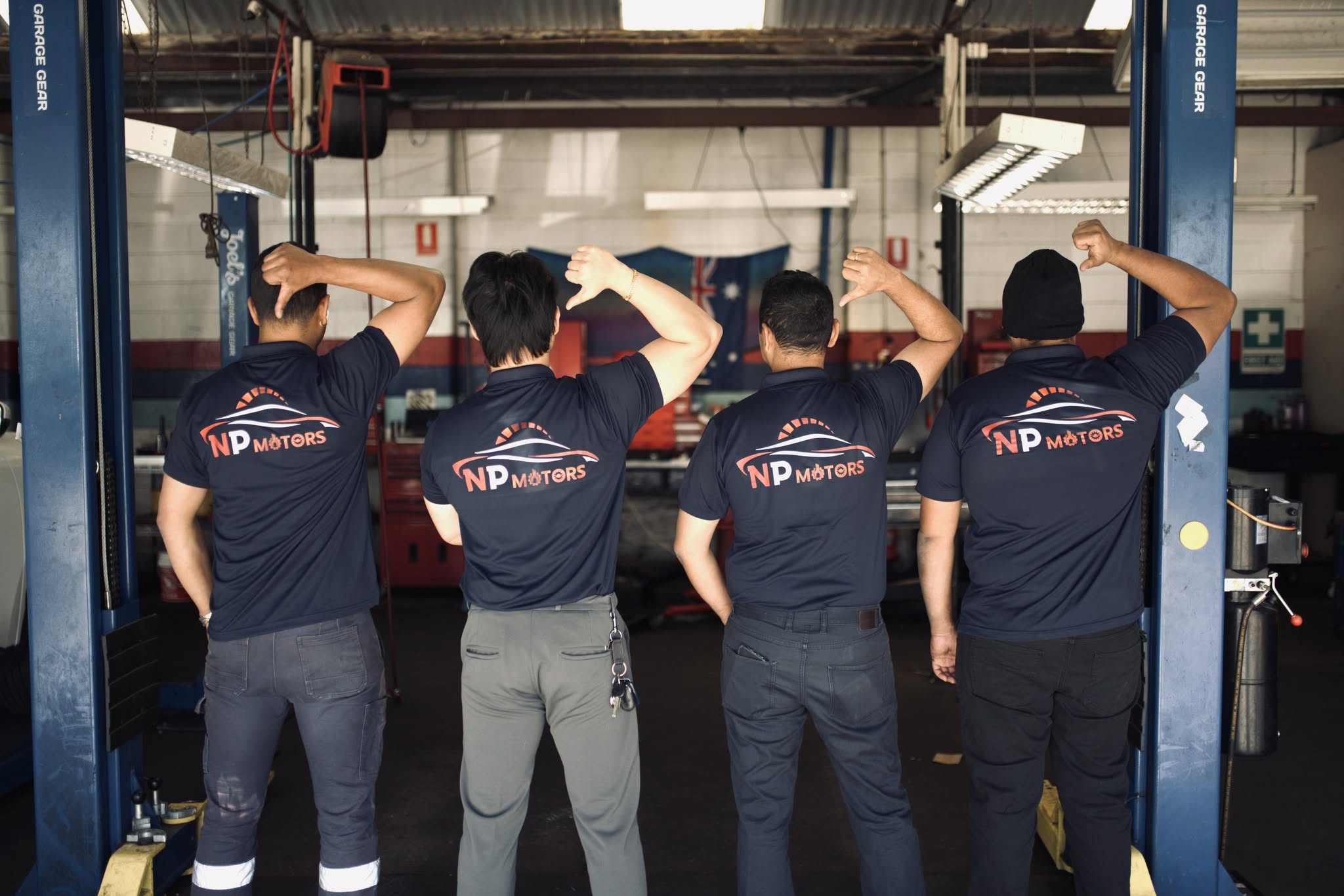
More time for the people at the counter.
NP Motors connects online bookings, tablet inspections and Zeller payments in MechAxis. See how Niroj and the team bring a service visit together.
At least 30% less admin time
Reported by NP Motors over three months using MechAxis.

Software that adapts to the workshop.
All Mechanical Auto Service in Glen Waverley needed workflows beyond those of a typical mechanical workshop. Their customers book online through MechAxis, and the team's feedback went straight into the product.
“What truly sets MechAxis apart is the people behind it.”
Story 1 of 2: NP Motors
Which plan fits a small mechanical workshop?
Silver covers bookings, customer and vehicle records, digital job cards, invoicing and payments. Choose Gold when you also need digital inspections, customer approvals and inventory. Platinum adds multi-site, fleet and operational tools.
Monthly prices are in Australian dollars, including GST. Workshop SMS is billed by Twilio to your own account. Compare the current plan inclusions and costs before choosing.
Compare workshop plans and pricingStart with one test job
- Set up your workshop and invite the people who will use it.
- Create a test customer, vehicle and booking, then assign the work.
- Record time and tasks, review the work, and prepare a test invoice.
The trial lasts 30 days and does not require a card. For existing records, MechAxis supports CSV imports of customers, vehicles, suppliers, products and service history. Start with a small sample and check the resulting vehicle records before moving the full set. Photos, open jobs and outstanding balances need a separate review.
Useful before you choose software
Create an invoice, calculate a labour rate from your own costs, or try a printable job card with your team. Every tool is free to fill in.
Independent mechanical workshops lose time re-entering customer concerns, chasing approvals and rebuilding the same service story across paper, SMS and accounting tools.
A service visit moves from online booking or walk-in intake through inspection, approval, parts, work, invoice and payment without staff rebuilding the record.
What your team gets
- Today board for due-in, inspection, approval and ready-for-collection queues
- Technician job cards with photos, notes and tablet controls
- GST-inclusive quotes and emailed invoices with customer portal approval and payment tracking
How the work runs in MechAxis for mechanical workshops
Step 1
Booking
The customer books online, by phone or at the counter. The booking carries the concern, the vehicle and the expected duration, so the diary shows which bay and technician the job needs.
Step 2
Check-in
Look the car up by rego or VIN, confirm the odometer and the customer's contact details, and the job card opens with the vehicle's earlier jobs and notes in view.
Step 3
Inspection
The technician works through a checklist on the tablet, marks each finding green, amber or red and adds a photo where the customer will want to see it.
Step 4
Quote and approval
The service advisor prices the findings and sends one secure link. The customer approves some or all of the work, and the decision is recorded against the quote.
Step 5
Work, invoice and payment
Approved work becomes tasks on the job card. When it is done, the invoice is built from the job with GST on each line, and payment is recorded by cash, card, Zeller EFTPOS or bank transfer.
What to test before you choose workshop software
- Can a technician finish an inspection with photos on a tablet without seeing prices or customer finances?
- Does an approved quote turn into job tasks and then an invoice without retyping lines?
- Can you set GST per line, including GST-free items, and record part payments?
- Does the vehicle history follow the car by rego and VIN when it changes owners?
Frequently asked questions
Is MechAxis built for Australian mechanical workshops?
Yes. Pricing is in AUD, quotes and invoices support GST-inclusive prices, and the product uses Australian workshop terminology across bookings, jobs and invoices.
Can technicians use it on a tablet?
Technicians get a tablet view for assigned work, inspections, photos and sending completed work to the service desk.
Can I bring my existing customer and vehicle list across?
Yes. MechAxis imports customer and vehicle lists, and our team helps with setup during your trial, so reminders and vehicle history work from the first week.
Do I need to buy new hardware?
No. MechAxis runs in a web browser on the computers, tablets and phones you already have. A Zeller terminal is only needed if you want integrated EFTPOS.