Tyre shops
Booking and job software for tyre shops
Handle high-volume tyre bookings, bay scheduling, stock and fast invoicing for Australian tyre shops.
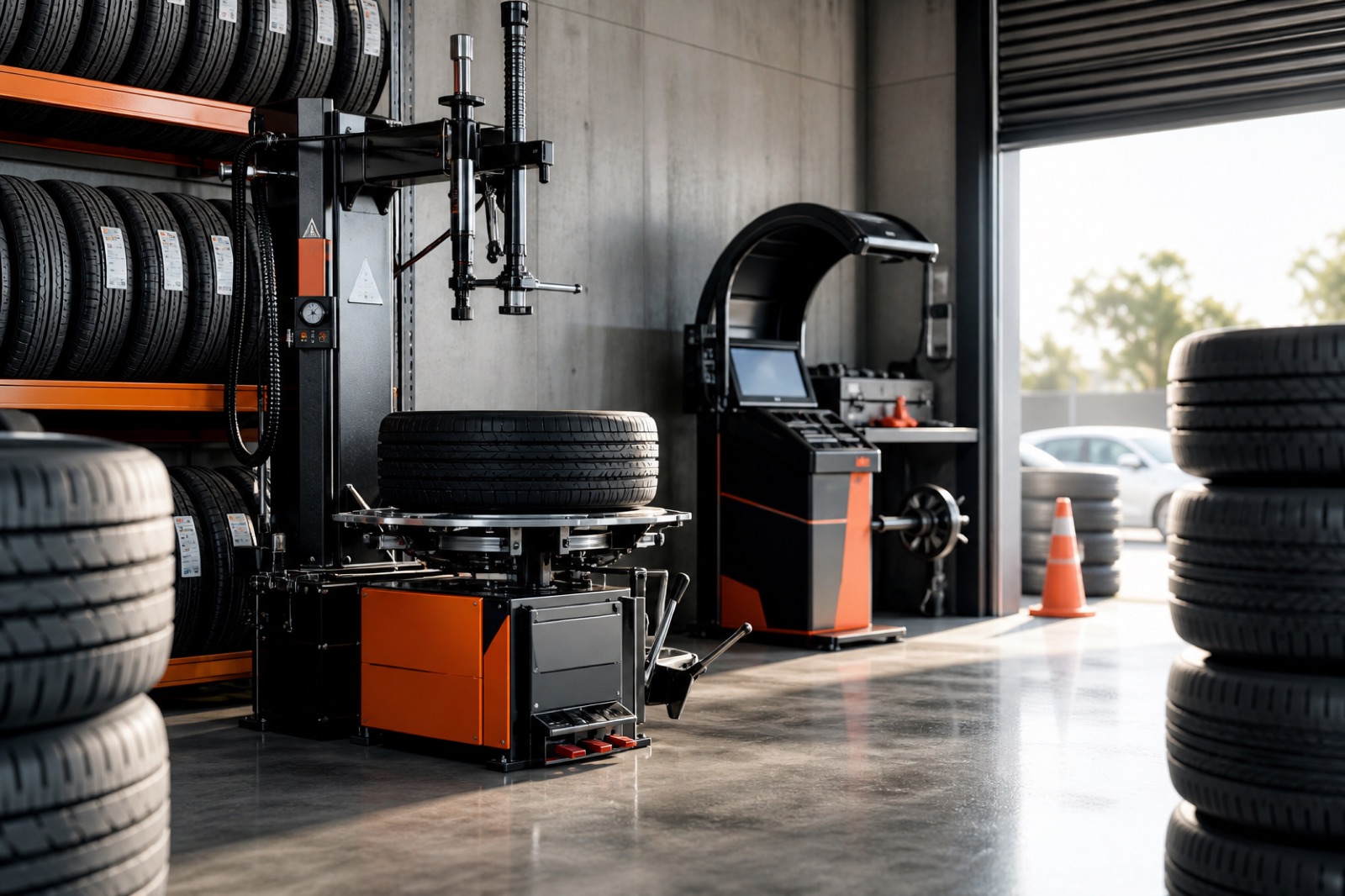
Tyre shops need fast turnaround. Delays at check-in and stock guesswork create bottlenecks at the counter and in the bay.
Book the bay, convert to a job card, pick stock, complete the work and invoice without bouncing between disconnected tools.
What your team gets
- Calendar and bay diary for same-day tyre work
- Inventory, barcodes and purchase orders for stocked tyres and consumables
- Quick GST-inclusive invoicing and payment recording
How the work runs in MechAxis for tyre shops
Step 1
Booking or walk-in
Take the booking in the diary or add the walk-in at the counter. Customers can also fill in their own details through the workshop's intake link while they wait.
Step 2
Bay allocation
Short jobs sit in the bay diary beside longer work, so the counter can see whether a puncture repair or a set of four fits in before the next booking.
Step 3
Stock pick
Tyres, valves and consumables come out of stock against the job. Barcodes speed up picking and stocktake.
Step 4
Fit and check
The technician completes the job card on the tablet and notes anything the customer should know, such as worn suspension parts found during fitting.
Step 5
Invoice and payment
Invoice from the job with GST on each line and take payment at the counter, including integrated Zeller EFTPOS.
What to test before you choose workshop software
- How many clicks does a walk-in take from arrival to a job card?
- Can you see stock on hand by location before you promise a tyre?
- Does receiving a purchase order update stock automatically?
- Can you run a stocktake with a phone and barcode scanning?
Frequently asked questions
Can MechAxis handle walk-in tyre customers?
Add a walk-in customer at the counter and create a job card. Customers can also enter their details through the workshop's intake link.
Does it support stocktake?
Yes. Inventory includes barcode support and mobile stocktake for workshop locations.
Can I track tyres across more than one store?
Yes. Stock is tracked by location, and multi-site accounts let each team see the locations and records they need.
Can I order stock from suppliers in MechAxis?
Yes. Raise purchase orders to suppliers, receive them against the order and the stock quantities update when the goods arrive.